
Maintenance Mode
Description
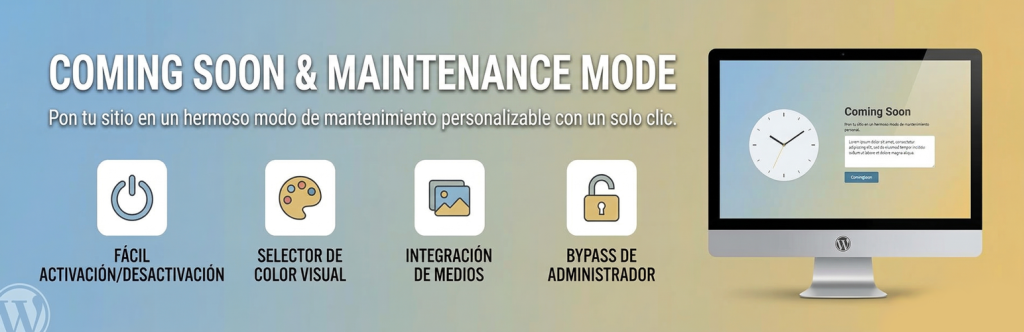
Coming Soon & Maintenance Mode allows you to quickly put your WordPress site into maintenance mode with a beautiful, customizable page. Perfect for site updates, redesigns, or launching new projects.
Features
- ✅ Easy ON/OFF Toggle – Activate/deactivate with one click
- ✅ Visual Color Picker – Choose colors with an intuitive color picker
- ✅ Media Library Integration – Upload your logo directly from WordPress
- ✅ Customizable Content – Edit title and message
- ✅ Admin Notice – Always know when maintenance mode is active
- ✅ Admin Bypass – Administrators can access the site normally
- ✅ SEO-Friendly – Proper 503 HTTP header for search engines
- ✅ Responsive Design – Looks great on all devices
- ✅ No Coding Required – Simple settings interface
Installation
- Upload the plugin folder to
/wp-content/plugins/ - Activate the plugin through the Plugins menu in WordPress
- Go to Settings → Maintenance Mode
- Enable maintenance mode and customize your page
- Upload your logo using the media library button
- Choose your colors with the visual picker
- Save changes
Usage
Enable Maintenance Mode
- Navigate to Settings → Maintenance Mode
- Check the «Enable Maintenance Mode» checkbox
- Customize your page settings
- Click «Save Changes»
Customize Your Page
- Page Title: Main heading displayed to visitors
- Message: Description text below the title
- Logo: Upload an image from your media library
- Background Color: Choose using the visual color picker
- Text Color: Choose using the visual color picker
Admin Access
Administrators can always access the site normally when logged in. The maintenance page is only visible to non-logged-in visitors.